
Alvarez, Ruth
88 Pine Street, Cedar Falls, IA 50613
(319) 555-0148
 Get the Sunday email
 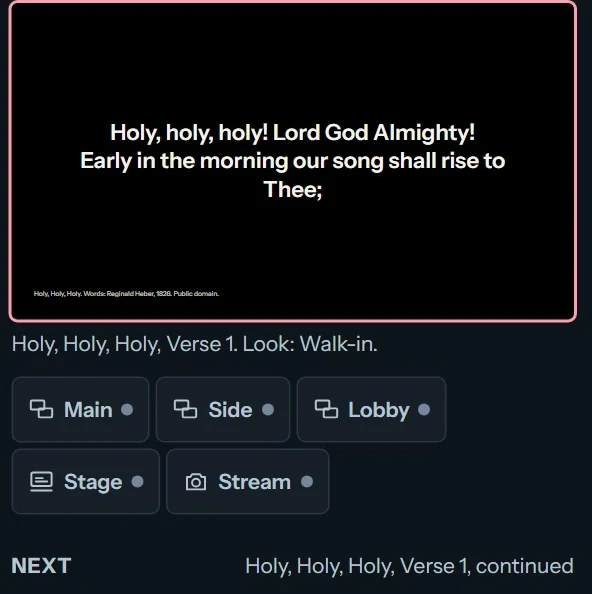 PresenterLyrics, Scripture and every screen
 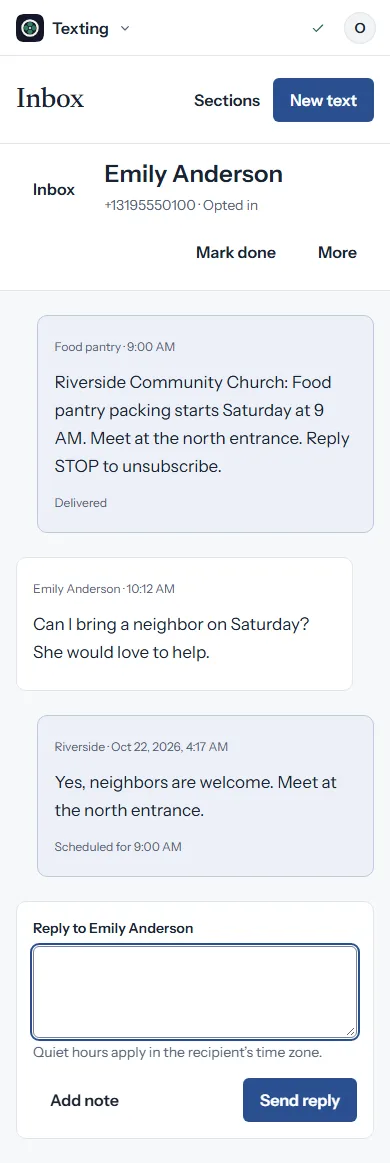 cOS TextingYour church’s texts and replies
  Berean BlueRead, study and research the Bible
  Chord ChartsCharts in any key
  Prayer RequestsA prayer wall for your church
  cOS Sign-UpsWho brings what
  cOS WebsitesYour church’s website
  cOS GraphicsGraphics for Sunday
  cOS NewsletterYour weekly church email
  cOS SocialPlan your church’s posts
  cOS Sermon ClipsShort clips from Sunday
  cOS EventsRegistration and check-in
 Welcome each new member with a printed certificate. Add the names, church and date, then print the whole set or save a PDF.
This free tool is made by Church Posting.
Covenant OS, Church Posting's church management software, keeps each person's baptism and membership dates on their record and prints the certificate from it. The beta opens Tuesday, December 1, 2026, and beta churches use it free.
Covenant OS is Church Posting's own product.
New free tools, guides and jobs, in one email on Sundays.
A membership certificate names the person, the church and the date the church received them, usually with a verse and the signatures of the pastor and the church clerk. Many churches hand them out at the end of a new members class or on the Sunday the church welcomes its new members.
Type every name in the name box, one to a line. The preview shows a certificate for each name, and one press of Print sends them all to the printer, each on its own page.
The same tool makes baptism certificates, baby dedication certificates and ordination certificates. Change the kind at the top of the form, and the wording and the suggested passage change with it.
Open Preview and print (on a phone it is the second tab) and press Print or save as PDF. The page is already set to letter paper turned sideways. In the print window, set the scale to 100 percent and the margins to none where those settings appear, or choose Save as PDF to send the file to a print shop.
Parchment paper or a white card stock of 65 to 80 pound goes through most home printers and holds up in a frame. If your letter-size certificate paper already has a border printed on it, choose No border under Design, and the wording prints inside the paper's own border. Print one copy on plain paper first and hold it over a sheet of the certificate paper against a window to check that the wording clears the border.
Everything you type is saved in this browser on this device. It reaches Church Posting only if you save it to your free account. To finish on another computer, use More, then Download a backup file, and open that file on the other computer from the same menu.
The passages in this tool are from the Berean Standard Bible, a translation in the public domain, so they can be printed freely.
 Worship backgrounds
  Title and lyric slides
  Series graphics
  Social and bulletin